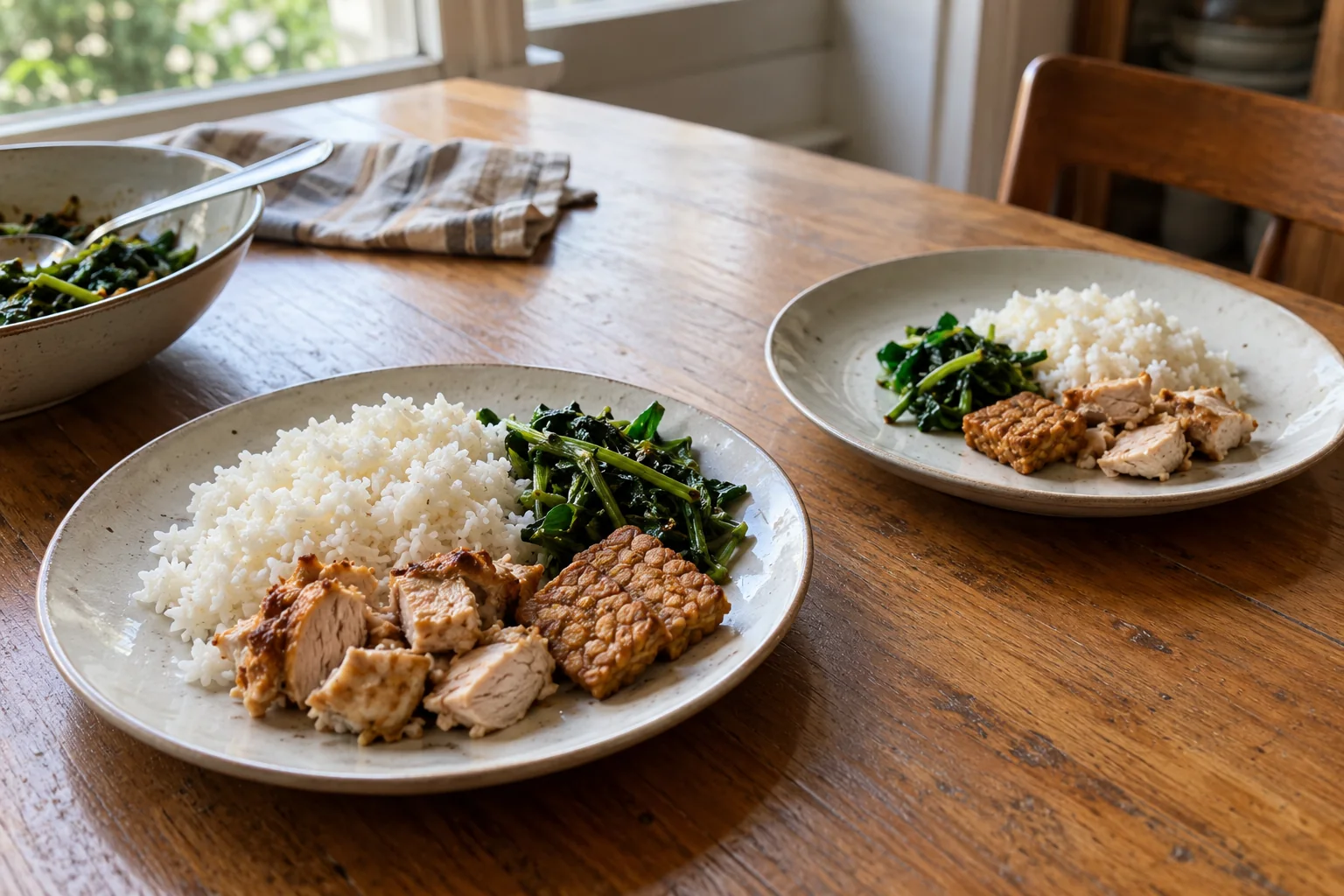
A calorie estimate refers to an amount of food
When reviewing a food scan, the dish name is only part of the picture. The amount you eat also affects the estimate. Half of the same dish should not be logged as the same amount as the whole dish.
For packaged food, check the serving size on the label. The FDA explains that listed calories and nutrients refer to that stated serving size. The serving size is not a recommendation for how much you should eat.
For logging, distinguish the reference amount from the amount you actually ate. This guide covers portion records; it does not determine anyone’s calorie needs or ideal portion size.
An example using the same starting estimate
Imagine an example entry estimated at 400 kcal for a portion of 1. If the food composition stays the same, proportional calculations would look like this:
| Portion in the entry | Estimate in this example |
|---|---|
| 0.5 | 200 kcal |
| 1 | 400 kcal |
| 1.5 | 600 kcal |
These numbers illustrate a calculation. They are not a scan result or the nutrition values of a particular dish. A portion of 1 is not a universal weight in grams either: its meaning depends on the reference food in that entry.
Changing the portion changes the quantity applied to the original estimate. It does not establish that the ingredients, cooking method, or original numbers were correct.
When does a portion adjustment make sense?
A portion multiplier is useful when you eat less or more of food with the same composition. For example, you logged a dish and then realised you ate only half of it.
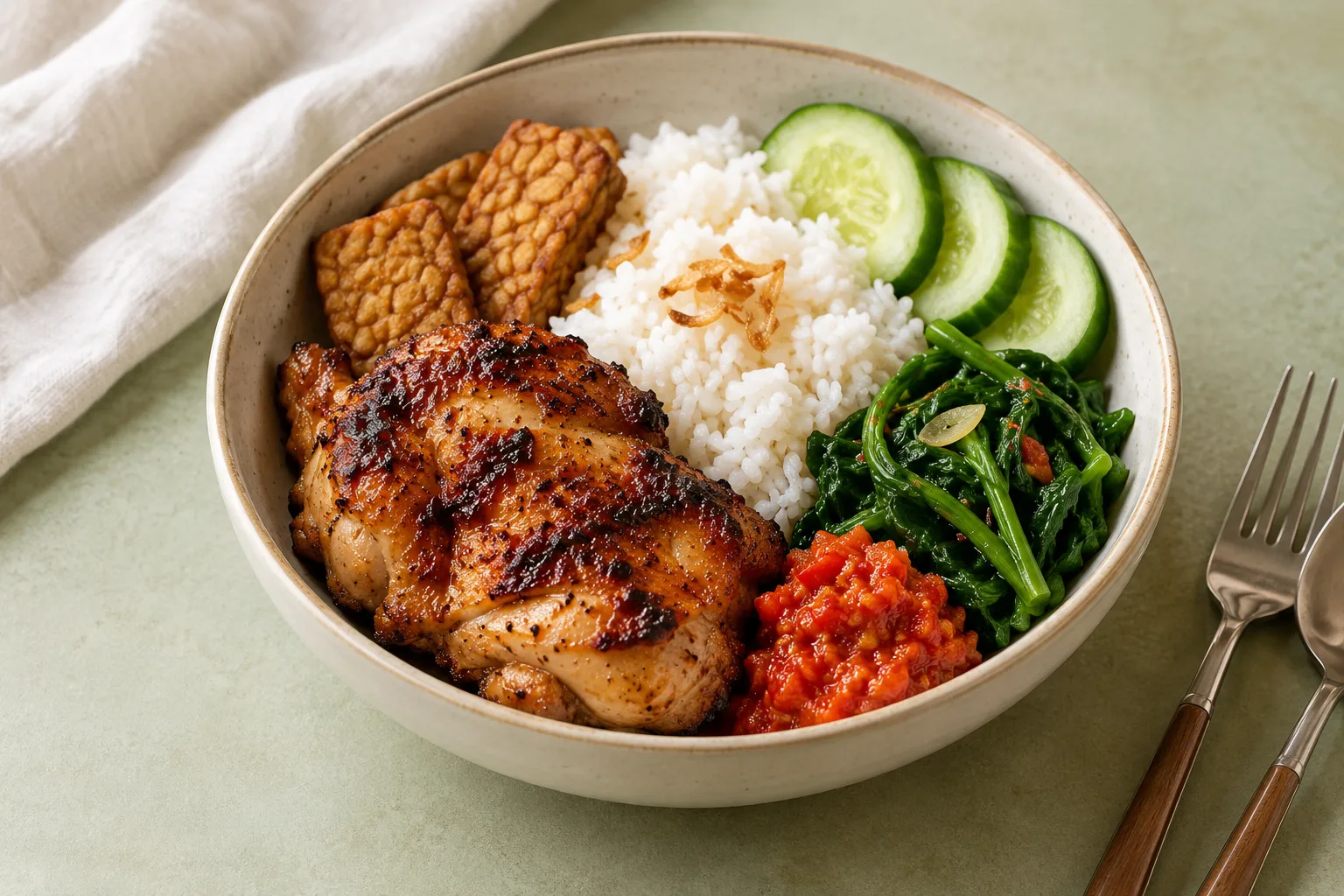
Eating half the rice but all the chicken is different from eating half of every component. In that situation, reducing the whole dish to a portion of 0.5 may describe the meal poorly. Check the food information underlying the entry before changing only its multiplier.
For a plate with several components, see how to log a mixed meal from a photo.
Editing a logged portion in Nourri Nutrition
After a Meal is saved, open its edit screen. Check the name and portion. As you change the portion, the edit screen recalculates calories and macros from the stored values. Review the result, then save if the change matches what you ate.
If you cancel or go back without saving, the changes on the edit screen are not applied. Editing the portion of a saved Meal does not run a new photo analysis.
Before saving, check three things:
- Does the reference food match the meal?
- Is the recorded amount reasonably close to the amount eaten?
- Is the composition unchanged, so that a portion multiplier makes sense?
Keep estimates understandable and revisable
A photo does not weigh every ingredient. The visible portion and ingredients that are difficult to see can make the initial estimate differ from the actual food. Adding information you know and correcting an entry helps preserve its context, but does not turn the result into an exact measurement.
Start with a record that makes sense when you return to it. For the scan, review, and save flow, explore Nourri Nutrition.