
Two numbers, two questions
An activity can have two useful durations. Moving time describes how long the recording ran outside its pauses. Elapsed time describes the time from the start of the activity to its finish, including pauses.
In Nourri, moving time is available for activities recorded through Active. Imported activities have elapsed time; do not assume a number from another source uses the same definition.
A walk with one pause
Imagine starting a walk at 7:00 AM. After walking for 15 minutes, you pause the recording for 5 minutes. You resume the recording, walk for another 15 minutes, and finish at 7:35 AM.
| Part of the activity | Time |
|---|---|
| Walking before the pause | 15 minutes |
| Recording paused | 5 minutes |
| Walking after the pause | 15 minutes |
| Moving time | 30 minutes |
| Elapsed time | 35 minutes |
The difference is the five minutes when the recording was paused. This example assumes no other pauses and a recording that behaves as described. It is an illustration, not a person's activity data.
Standing still is not always the same as pausing a recording. Check the recording state and the pause settings you use. Moving time follows the pauses that were actually recorded.
Reading your summary in Active
After finishing and saving an activity, open its details in Active. Read the name of the metric as well as the number.
- Use moving time to understand recording time outside pauses for an activity recorded in Nourri.
- Use elapsed time to understand the span from start to finish.
- When comparing two activities, compare metrics with the same name and source.
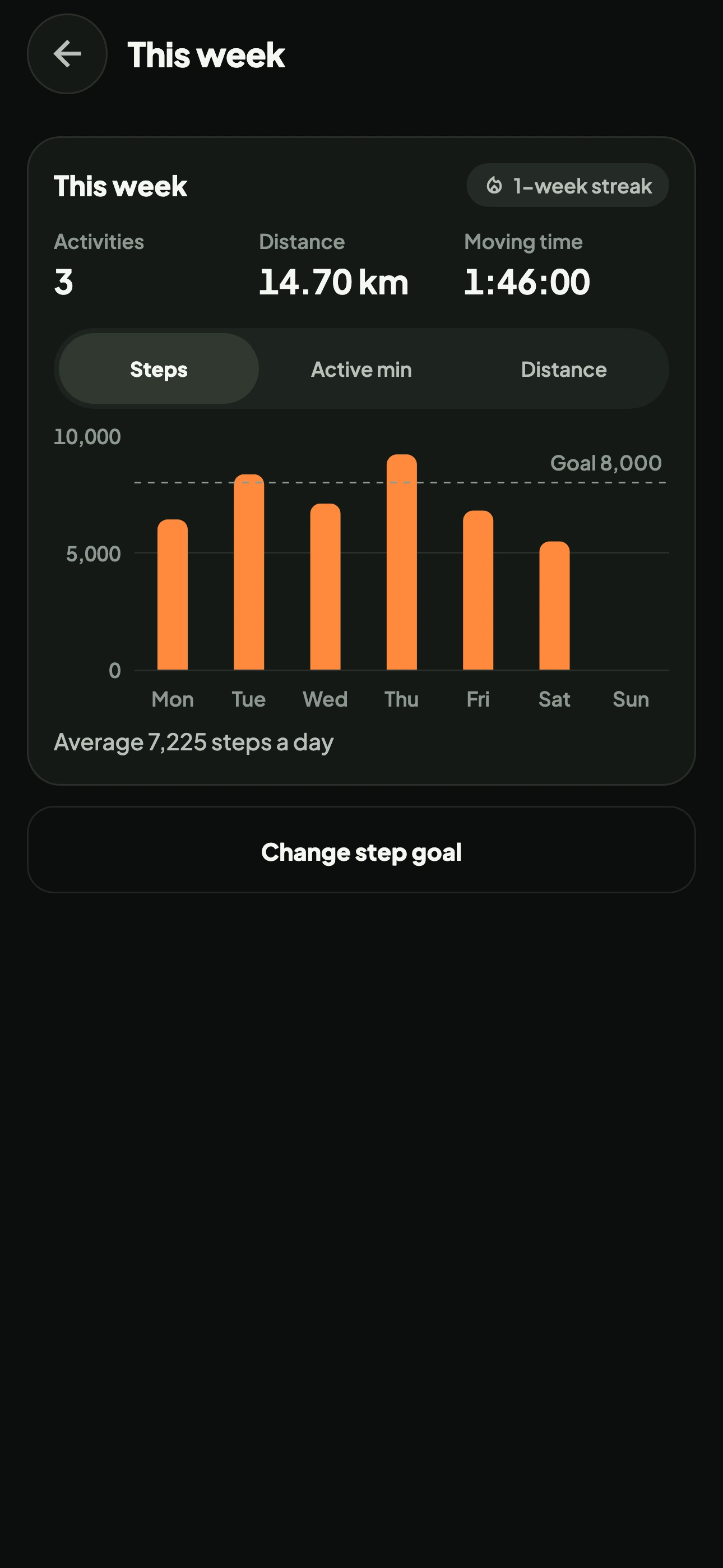
Your progress summary also helps you look back over time. The screen below shows a sample weekly overview. It does not show the details of the example walk above.
What about imported activities?
An imported activity brings the data available from its source. In Nourri's model, imported activities use elapsed time. The moving time used for Nourri recordings is not invented to fill a missing value.
A difference in duration does not automatically mean a recording is wrong. Start by checking where the activity came from and which metric you are comparing. If the source device or app uses another label, check its explanation before treating the numbers as equivalent.
Before your next comparison
- Check whether the activity was recorded in Nourri or imported.
- Read the moving time or elapsed time label on the summary.
- Think back to any pauses in the recording.
- Compare activities with similar context, including the sport and how they were recorded.
The two durations offer different views of the same activity. You do not need to choose one as the number that is always more correct. Use the metric that answers your question at the time.
For the steps to record and save an activity, continue to the Nourri Active guide.