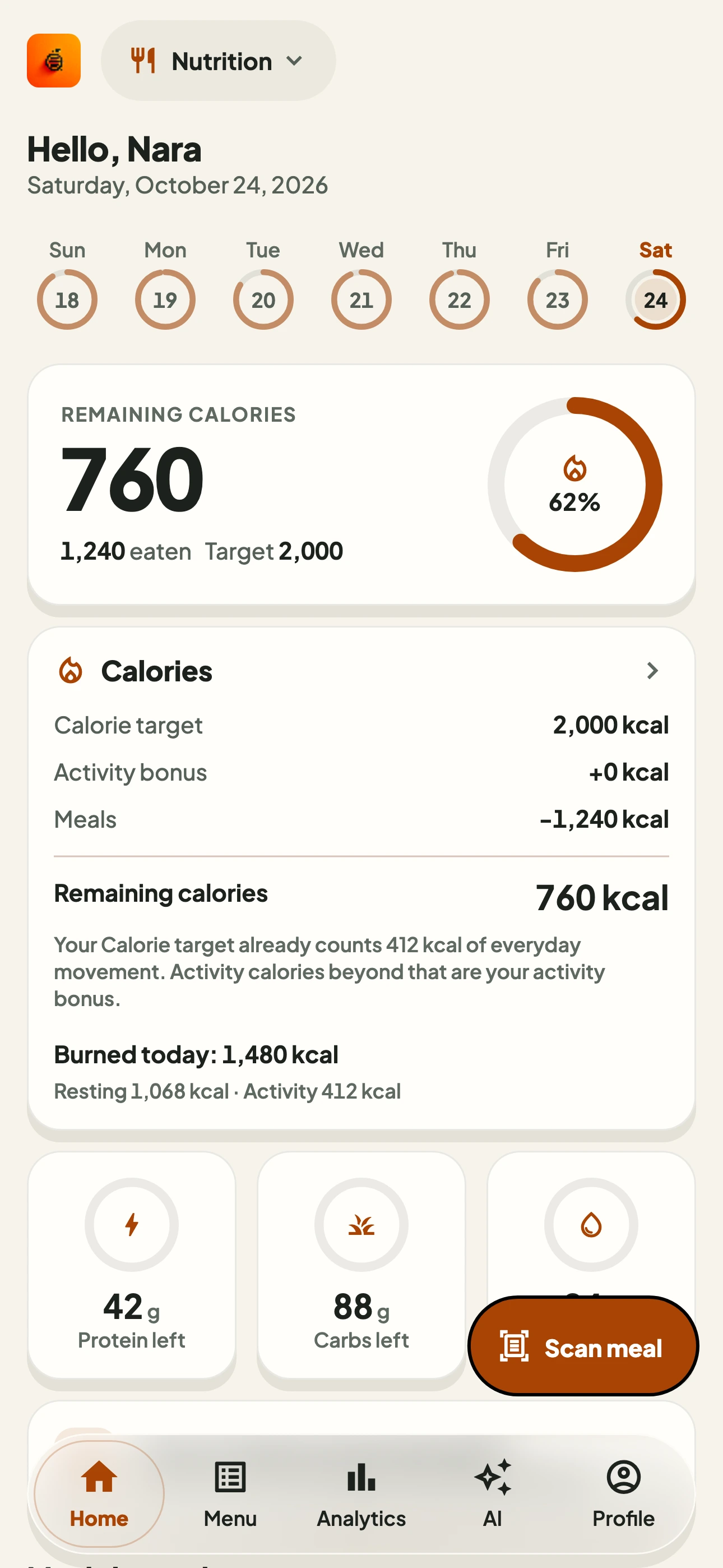
Start with the question you want to answer
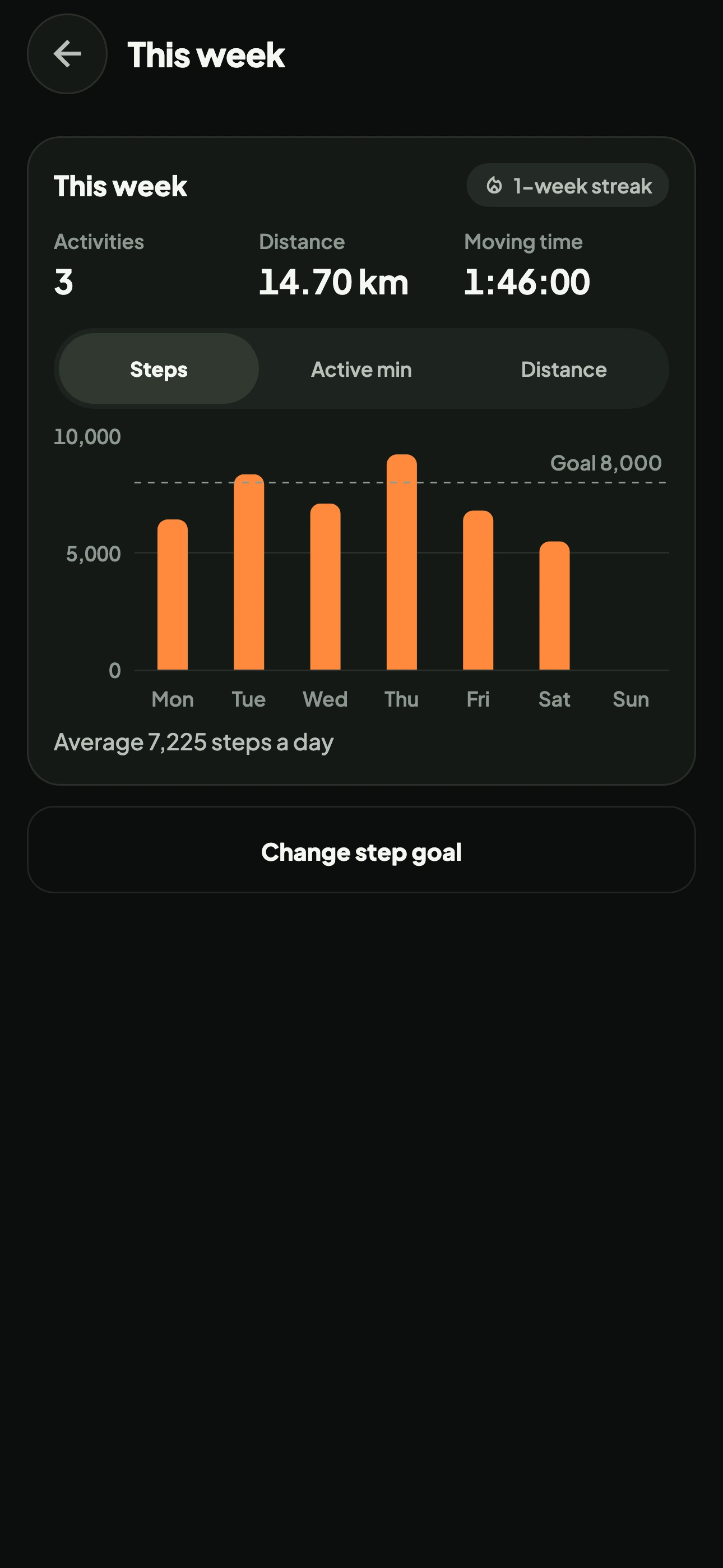
Your weekly activity summary in Nourri Active brings together two views: totals for recorded activities and a chart showing a selected measure by day. The first helps you review the outings you recorded. The second helps you see how one measure is distributed through the week.
Before reading a number, check its label. Activities is a count, Distance measures how far, and Moving time describes recorded movement time. The daily chart can show Steps, Active min or Distance. These are different quantities; a taller bar is meaningful only alongside its selected unit.
Read the three totals together
Activities, Distance and Moving time give context to one another. Several short outings can produce a similar moving-time total to one longer outing, while the activity count is different. A week containing cycling also cannot be judged against a walking week by distance alone.
Start by asking what you recorded. Were these familiar walks, runs, rides or a mixture? A walk to a station in London and a cycle commute in Lyon can both belong to an active week, but their distances do not mean the same thing about effort.
Moving time is also different from the full time between starting and finishing an outing. Pauses can matter when you interpret a session. Read moving time vs elapsed time before comparing a recorded total with the time you spent away from home.
Choose one daily measure
Use the chart selector to choose the question you are exploring:
- Steps: inspect the available daily step counts and the step-goal reference line.
- Active min: look at how recorded active time is distributed across days.
- Distance: look at the distance associated with each day, paying attention to the unit.
Switching the chart changes what its bars describe. It does not turn a distance into a step count or make a minute equivalent to a step. Read the selected label again after switching.
The app preview shows the interface, not a target you should copy. Your values depend on your own records and available movement data. Interface details can also vary with the app version.
Give an unfinished week room to develop
The view covers a Monday-to-Sunday week. If you open it on Thursday, Friday through Sunday have not happened yet. Empty space for those days is not evidence that you missed an activity.
The average needs the same context. A daily average for the week so far is different from a finished seven-day total divided by seven. Missing step information also differs from a measured day with zero steps. If something looks unexpected, check the available information before drawing a conclusion about your routine.
For a useful comparison, ask whether you are looking at similar stages of the week, the same measure and a similar mix of activities. Avoid comparing a part-week distance total with an entire previous week as though both cover the same period.
Treat the goal line as a reference
The steps chart can show a goal line, and the screen includes a control for changing the step goal. This is a setting in your app, not a universal requirement or a score for the worth of your day.
Review what fits your circumstances. A quieter day can have context that a chart does not capture. For a broader reflection, see tracking exercise progress beyond calories burned.
Finish with one clear next step
Try a short review: read the three totals, choose one chart measure, check which days are represented, then decide what you want to look at more closely. You might inspect a recorded activity or simply notice a pattern worth remembering.
Explore Nourri Active. Nourri is available on the App Store and Google Play.